ON THIS PAGE
More tags arrived. This time 12 used 2.13″ ESLs — 11 HEMA, 1 Zink, because reused ESLs never come as advertised. A second, unsorted batch followed; some boards good, some with cracked panels. Between the two I’m sitting on 30-odd working units now, on top of the pile from the first post.
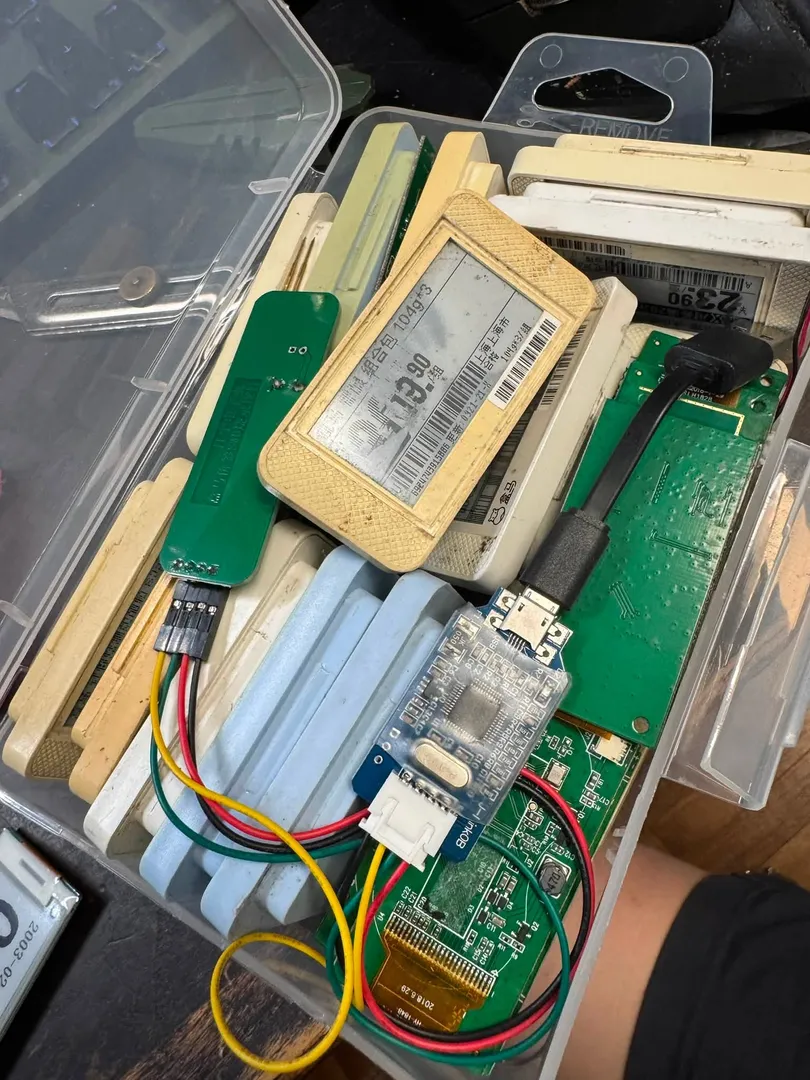
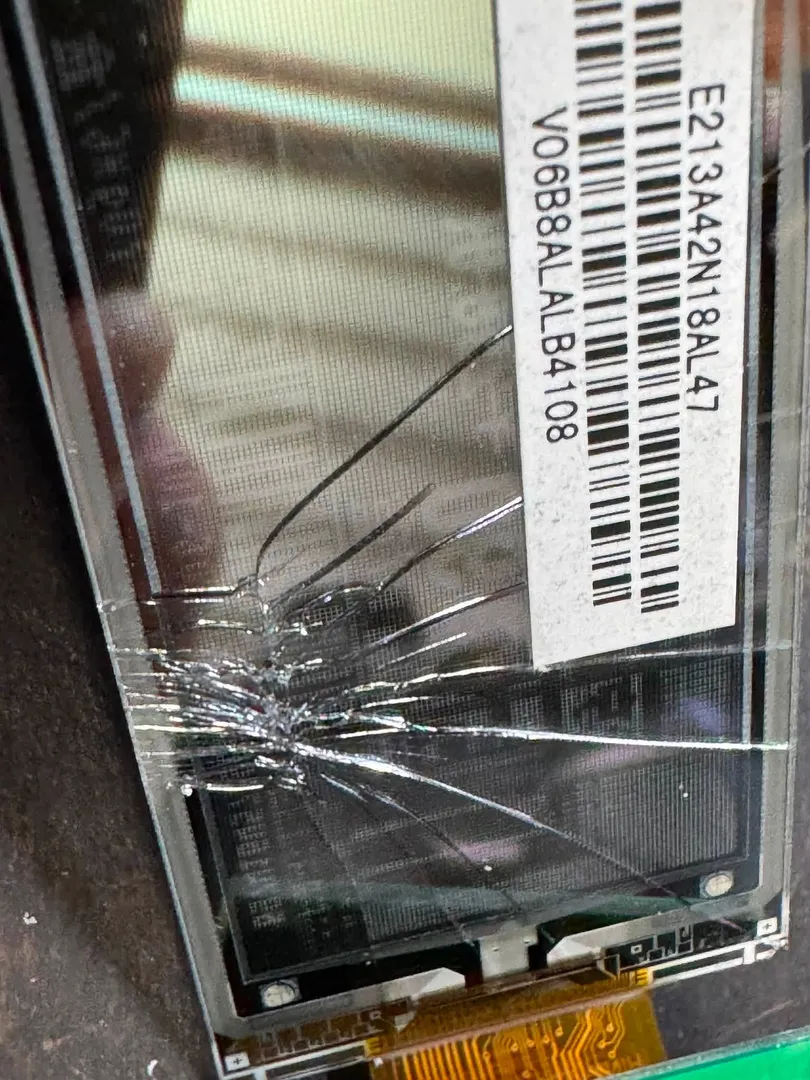
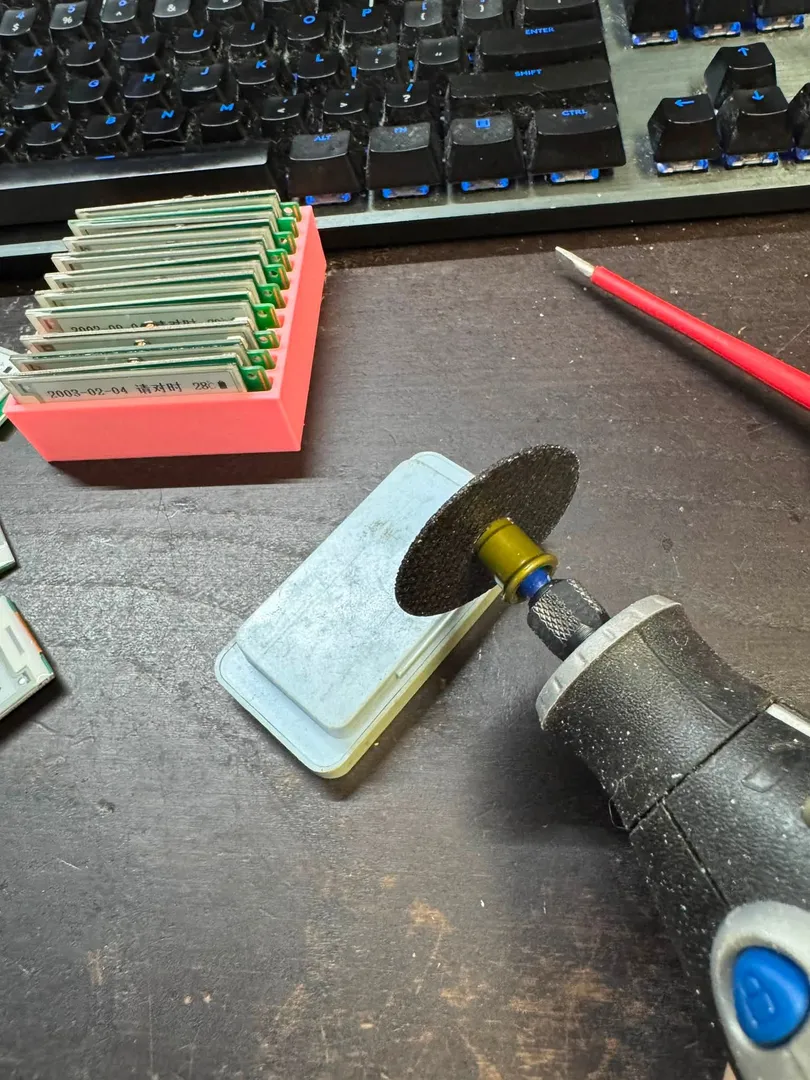
More tags meant more time in the firmware, and that’s where this post actually lives — the boot ROM, the power budget, and a bug that took an embarrassingly long time to spot.
The boot ROM plays favorites
The DA14585 has no internal flash — firmware runs from RAM, copied in by the boot ROM on every power-on. What I hadn’t looked at closely last time is how it picks which image to run.
The ROM reads a product header from the external SPI flash, and there are two image slots. On most units those slots sit at 0x4000 and 0x1F000. On some of mine they’re at 0x2000 and 0x4000 — and overlap. My OTA updates kept silently reverting until I worked out why: the boot chain always tries slot 0 first, regardless of which image has the newer generation id.
And the generation id itself has a bug. It’s a single byte. Once it ticks past 0x7F it’s read as signed, so it goes negative — meaning a freshly flashed image can rank as older than everything already on the tag, and the bootloader happily reverts to the “newer” stale copy. Fixed it by widening the field, but it’s a good reminder that a one-byte version counter is a bug waiting for a device that lives long enough to hit it.
The panel and the flash chip share a bus
The FPC connecting the e-paper panel carries seven signals that matter: SCLK/SDI for SPI, nCS for chip select, D/C for data-vs-command, nRST, nBUSY so the panel can say it’s still refreshing, and PWR_EN — a switch that lets the MCU cut power to the panel entirely between updates.
The interesting part: the panel and the onboard SPI flash share the same clock and data lines. Only the chip-select differs. The firmware also carries a fallback pinout it tries if the primary one doesn’t detect a panel — useful, since HEMA apparently wired more than one variant of this board.
Not all refreshes cost the same
E-paper holds its image at zero power — all the energy goes into changing it. But “refresh” isn’t one operation:
| Mode | Time | Cost | Notes |
|---|---|---|---|
| FULL | 3–4 s | ~5–6 mC | Clean, no ghosting, used every 3 hours |
| FAST | faster | ~2.9 mC | Some ghosting |
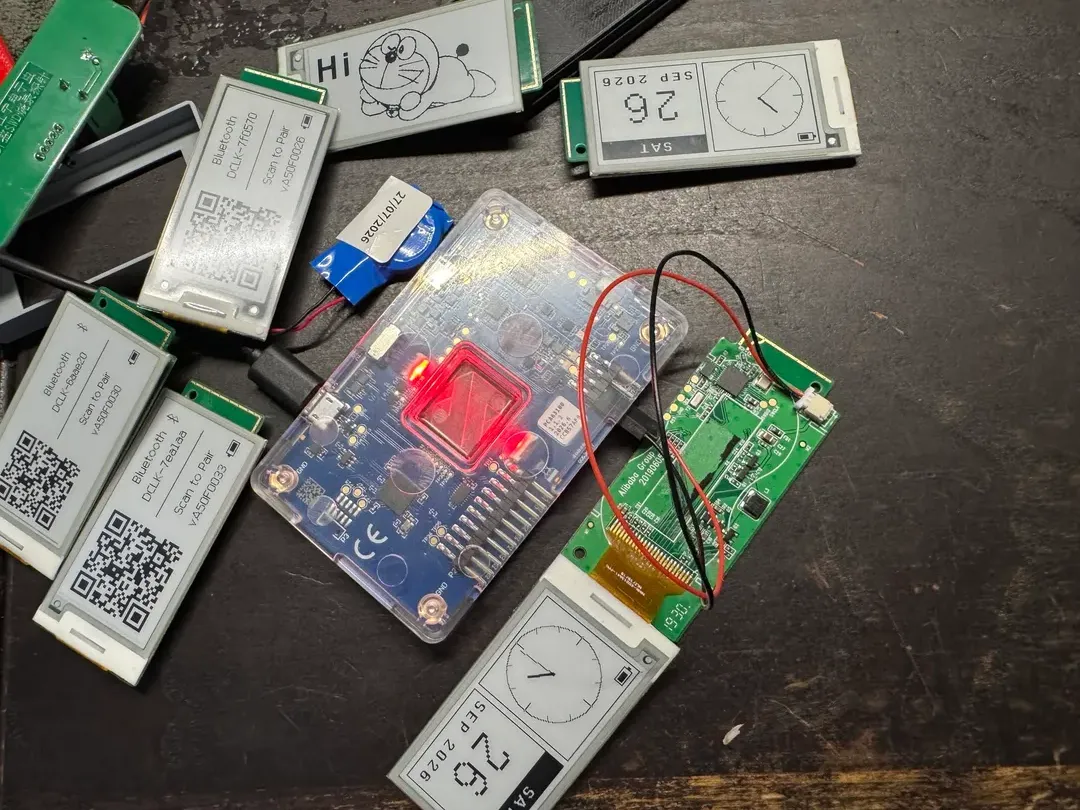
| FLY | ~0.5 s | ~0.84 mC | What the clock uses every minute |
FLY and FAST leave ghosting behind — even the old red price-highlight artwork from the stock firmware lingers as a ghost until it’s scrubbed. So the clock does a full refresh every 3 hours and a black scrub at midnight. A full refresh also pulls over 100 mA briefly, which a coin cell feels.
What actually eats the battery
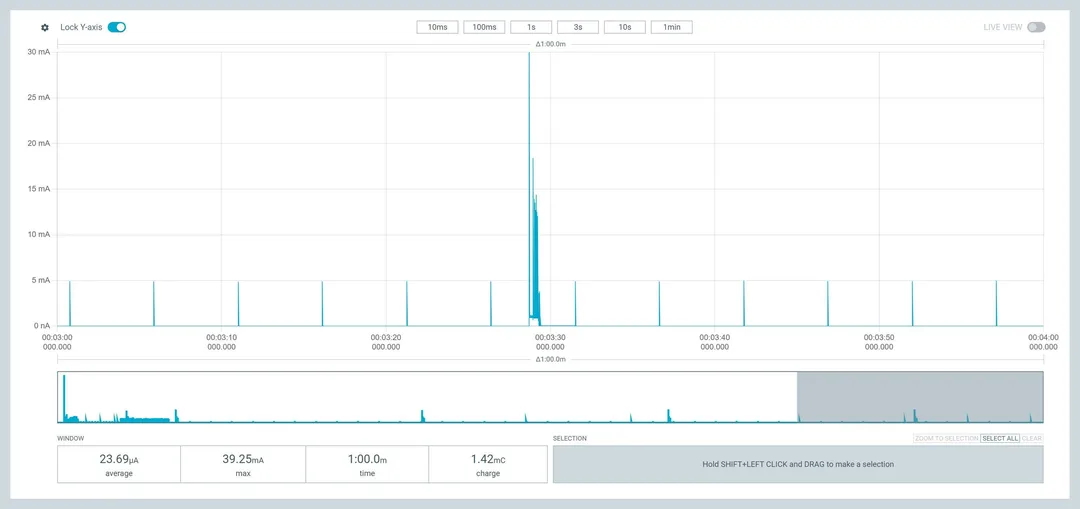
I measured with a Nordic Power Profiler Kit II instead of guessing.
| State | Current |
|---|---|
| Sleep | ~3 µA |
| Advertising every 5.12 s | ~5.3 µA average |
| Advertising every 0.69 s (pairing screen) | ~19 µA average |
| Connected, idle | ~95 µA |
| Steady state, ticking every minute | ~26 µA |
Two surprises. First, an idle BLE stack with nothing scheduled draws about 18 µA — a periodic advertising event actually costs less, around 3 µA, so the clock always advertises, slowly, and that saves power rather than spending it. A 10.24 s interval was too slow for a phone or browser to reliably find the tag; 5.12 s is the sweet spot. Second, the panel refresh dominates the budget far more than the radio — shortening the FLY phase and dropping an unnecessary fast tick took the steady-state average from ~40 µA down to ~26 µA.
With usable coin-cell capacity derated to about 65% (the 30–40 mA refresh pulses sag a coin cell hard), that works out to roughly:
- 1× CR2032: ~210 days (marginal — voltage sag)
- 2× CR2032 in parallel: ~420 days
- 2× CR2450: ~1000 days
Estimates, not long-term measurements — I’ll update once I have tags that have actually run a year.
Fixing a bug that never fired
While in there: the low-battery warning never actually triggered, on any unit. Turned out the check compared the wrong variable — comparing the battery reading against itself, effectively, instead of against the threshold. An easy one to miss because the symptom is “nothing happens,” not a crash.
A photo mode, because the framebuffer was already there
The web app already dithers the clock face to 1-bit before sending it over BLE, so custom images was mostly wiring the browser’s canvas up to the same path. Open the page, connect, upload a picture instead of syncing time — it gets scaled to 212×104, dithered client-side with a preview, and pushed over as a full refresh.
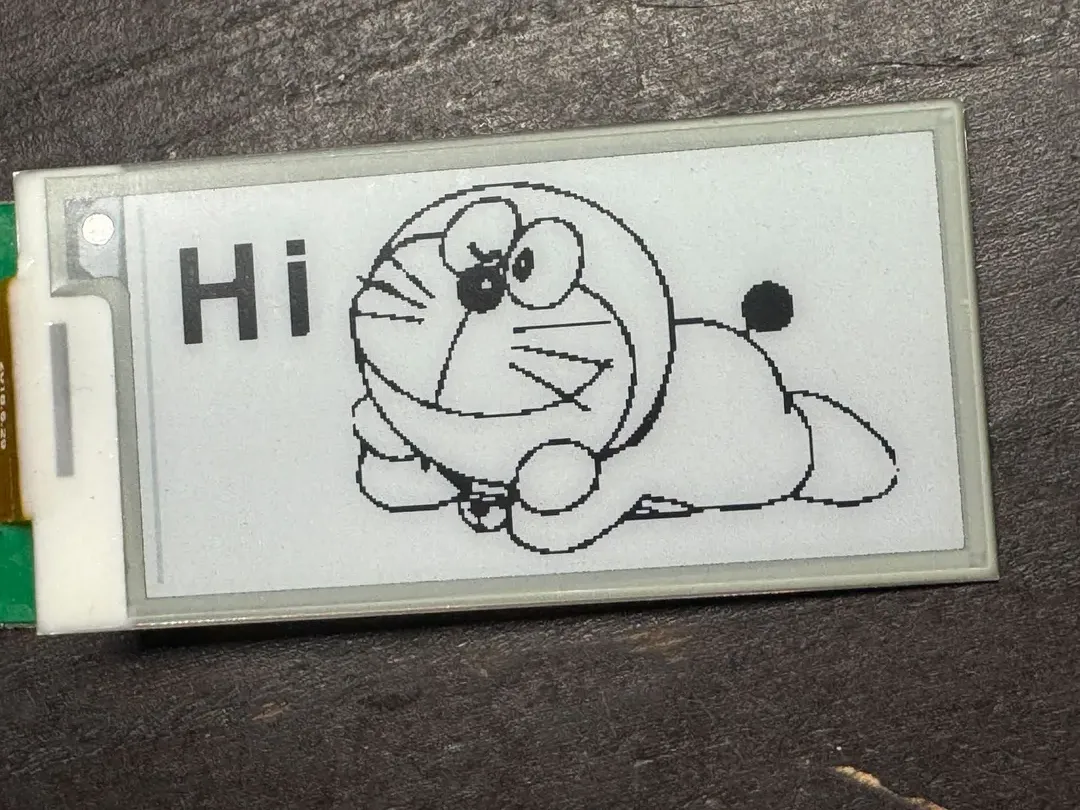
It’s exactly as good as you’d expect a 1-bit panel to be at photos — fine for logos and line art, mud for anything low-contrast. It also holds until the next full refresh, so it’s a way to leave a note or label a shelf, not a slideshow — not with this power budget, anyway.
Where this is going
The actual goal is still what it was before I got distracted by clocks: booking displays for the 3D printers at the community space, pulled live from our booking system instead of masking tape. Now that the boot chain, the power budget, and the update path are understood properly, that’s next — and it may mean ripping the panel out for an ESP32 after all, for easier networking. We’ll see.
Try it yourself
- Web app: terenceang.github.io/HMCLOCK-EN
- Repo: github.com/terenceang/HMCLOCK-EN
Same repo as last time — it’s gained the boot slot fix, the battery check fix, and photo mode since. README’s still rougher than it should be. Issues and pull requests welcome.